
Choose the kind of pressure
Prepare combat, social or environmental trouble. All and Random draw from the same three types when you want an unexpected starting point.
Give the next scene a starting point.
Prepare combat, social or environmental scenes with narration, pressure and DM notes. Review the challenge guidance, save accepted batches on this computer and share the text that fits your table.
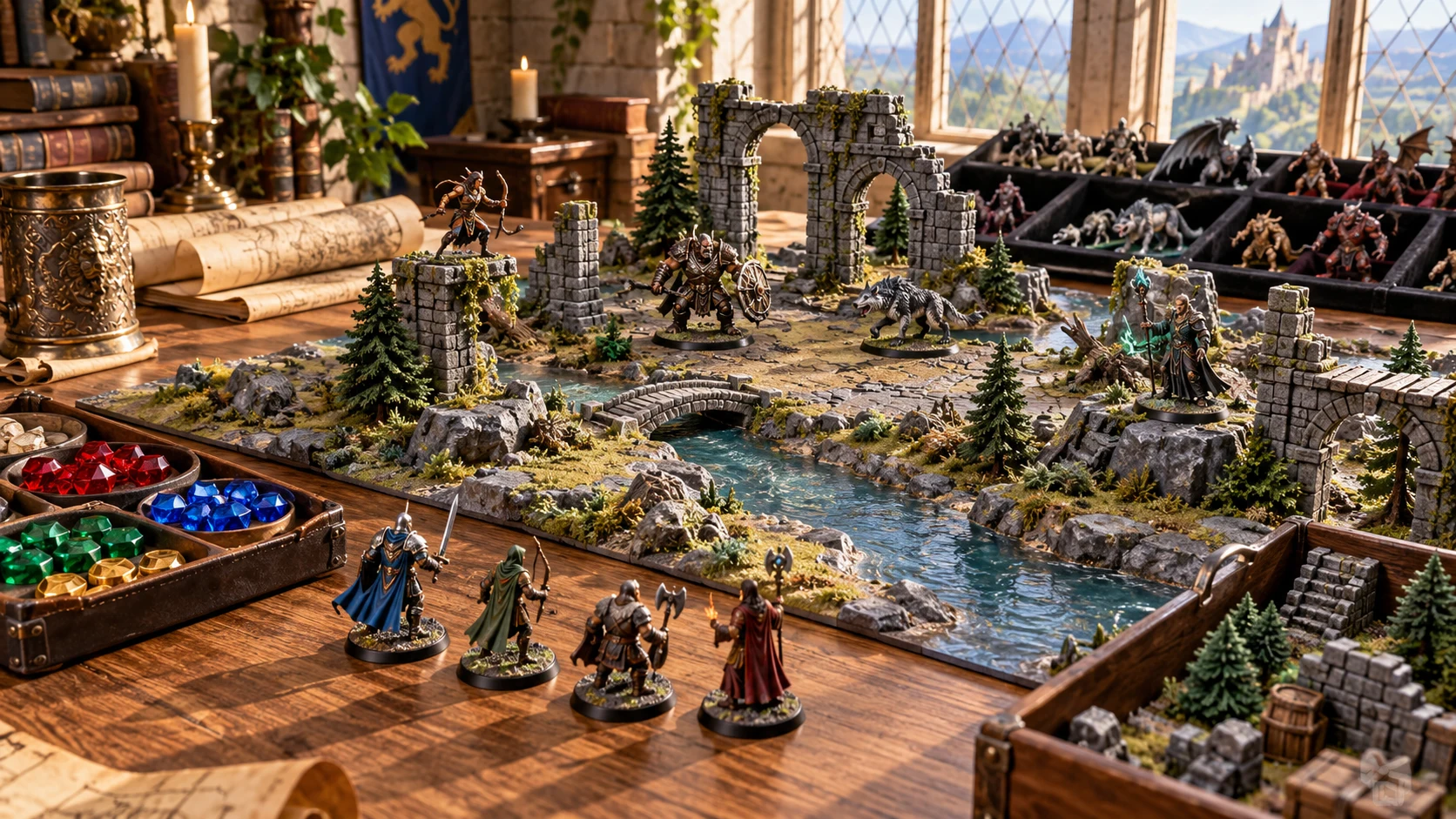
Start with the moment
Use authored encounter material to reduce blank-page preparation, then adapt it to the fiction and rules you run.
Prepare combat, social or environmental trouble. All and Random draw from the same three types when you want an unexpected starting point.
Select location, time, season and faction context. Sensory details and opening stakes help establish the situation without building an entire setting.
Review private notes, generic opposition, terrain, tactics, checks and aftermath alongside the public narration. Agree the actual mechanics before play.
Use one encounter immediately or review several preparation options. Save accepted results locally and copy the material you intend to use.
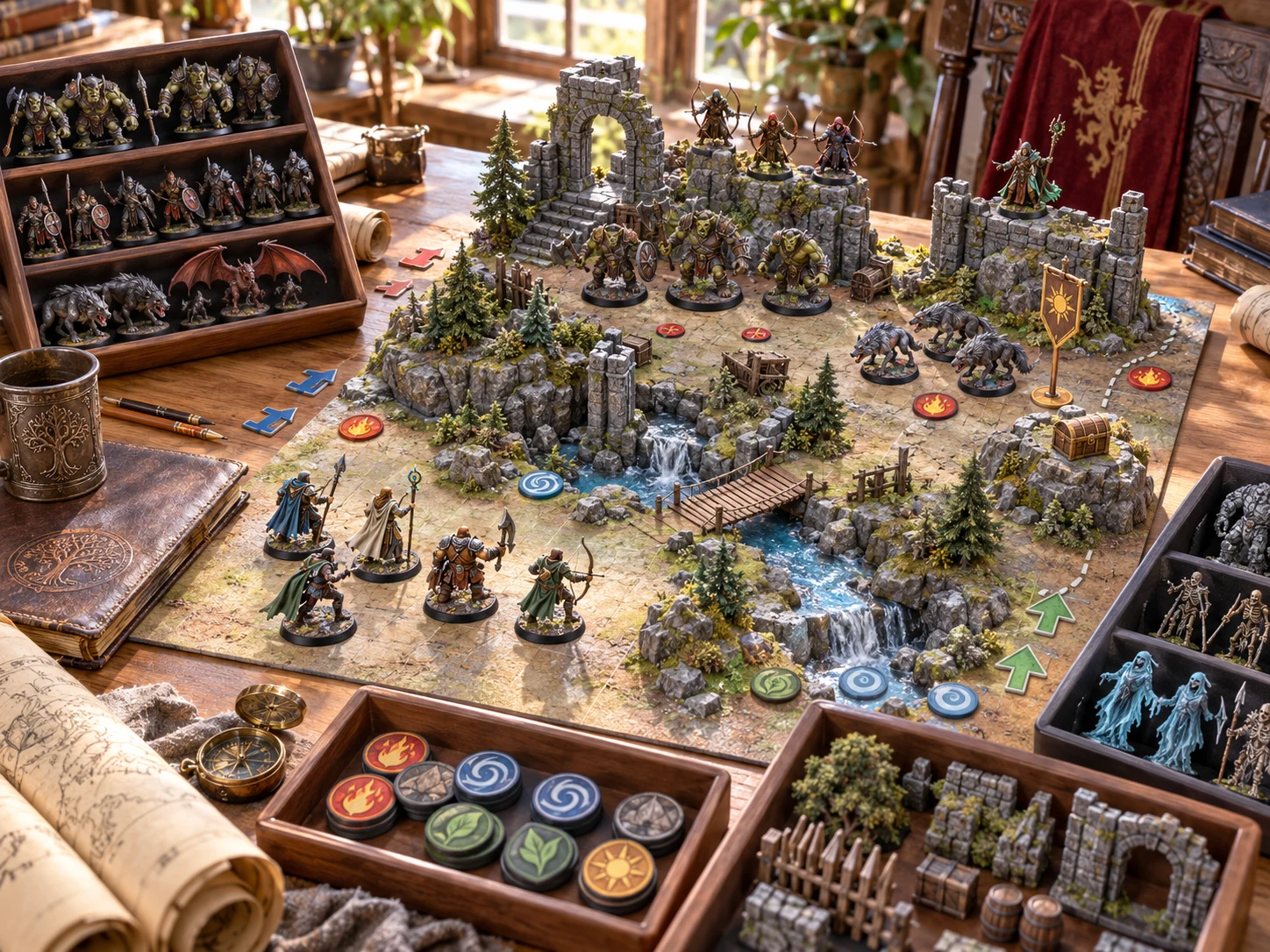
Prepare the encounter you want to run
Use the selected context to guide narration, situation and DM preparation.
This tabletop illustration is not an application screen or generated map.
From a brief to table preparation
The same scene controls serve individual encounters and larger preparation batches.
Choose type, location, time, season and faction. Set a sensible minimum and maximum CR and the party-level context label.
Single produces one encounter, Chain three, Daily four and Travel three. Their names do not create a linked plot, schedule or journey simulation.
Check narration, generic opposition, suggested checks and aftermath. Party level does not automatically balance the result, and complete creature rules remain with you.
Save writes a new local batch record. Copy the full DM text or review the shorter player-facing copy before sharing it.
What the tool provides
Eight capabilities support authored encounters, repeatable explicit seeds, local records and reviewed text copies.
Choose a scene type or let All and Random select among the three. Authored narration, stakes and preparation notes provide a starting point for your table.
Choose a district, road, wilderness or underground place, plus time, seasonal atmosphere and faction context. Review how the authored details fit your own setting.
Set minimum and maximum CR and a party-level label. Generic opposition includes role, CR, AC and HP; complete creature rules and encounter balance remain your responsibility.
Single creates one encounter, Chain three, Daily four and Travel three. These are batches using the same controls, rather than a linked plot or scheduled journey.
Read setup, situation, private notes, opposition, terrain, tactics, checks, treasure and aftermath together. Adapt the generic suggestions before using them in play.
Supply your own seed for repeatable batches with matching settings. Hold type or selected context when generating again, while reviewing what those choices actually retain.
Reopen recent batches during the current session. Save accepted results manually on this computer, then open or remove them from the saved list.
Copy the full DM batch or a shorter player-facing version. Review narration and situation for information you intend to reveal before sharing.
Different kinds of encounter
Finite authored pools combine atmosphere, pressure and preparation suggestions. They do not analyse party capability or supply complete game rules.
Review one to three generic opponents with Leader or Support roles, CR, AC and HP. Select suitable complete creatures and actions yourself.
Prepare an offer or conversation with stakes and faction atmosphere. A result may include one generic envoy, rather than a full NPC sheet.
Prepare trouble arising from the place itself. Review terrain, generic checks and consequences and adapt them to your rules.
Choose among the same three scene types. Generate again for another authored combination; there is no weighted regional profile or automatic world progression.
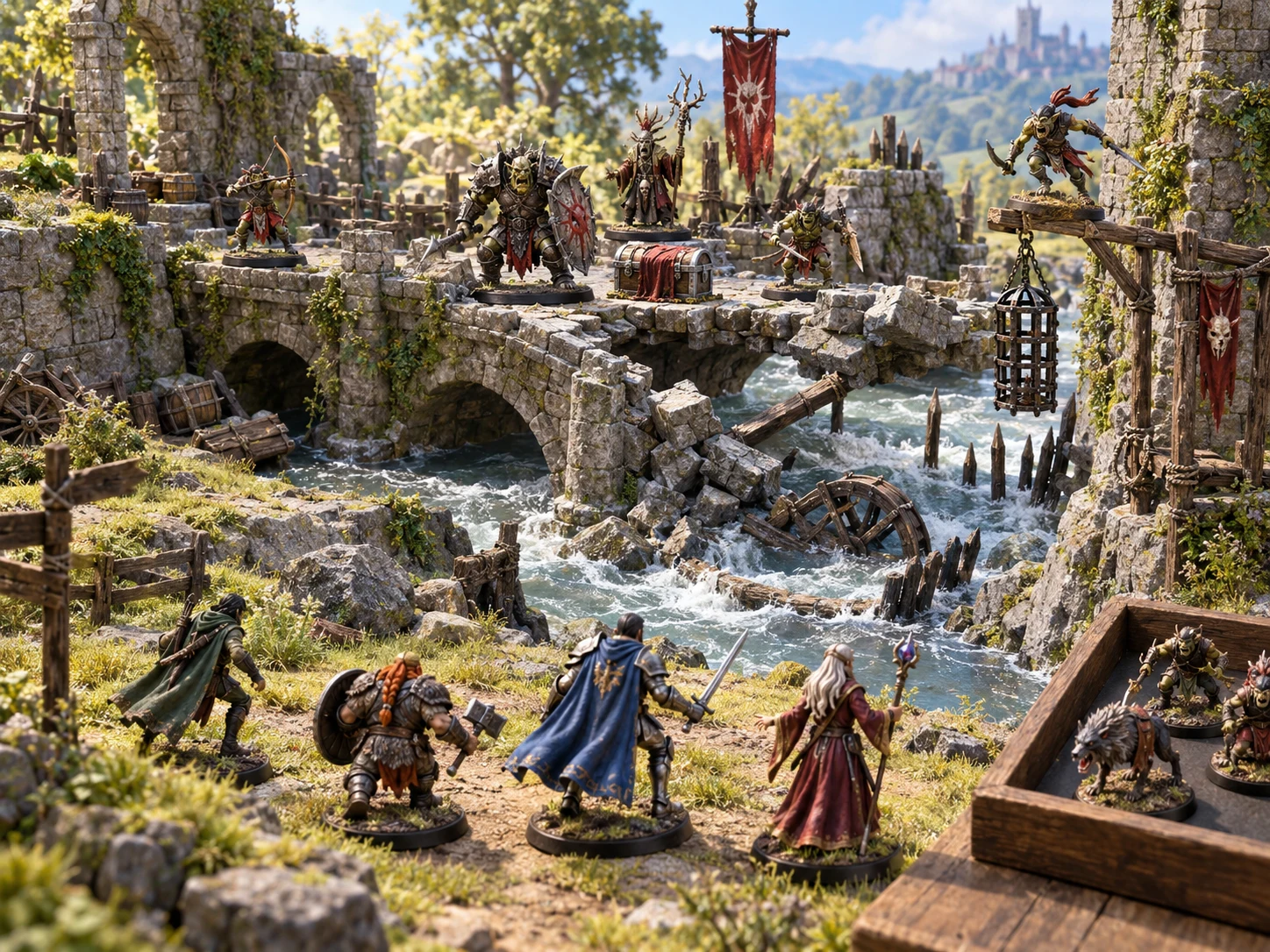
Review the scene before using it
Keep useful narration and adapt the opposition, checks and consequences yourself.
This illustration depicts tabletop preparation, not exported application output.
Generate another option
Seeds and holds guide a new batch, while recent history lets you reopen earlier session material.
Enter your own seed with matching controls, mode and holds. Generate clears the seed field, so enter it again when repeating a batch.
Automatically generated seed labels do not reliably replay when pasted back. Each encounter shares its batch seed; later entries depend on the same batch order.
Holding type uses the first previous encounter. Other holds use current selected controls; they do not retain a randomly resolved previous place, and All Places can still change.
Session history retains up to forty batches. Opening a batch does not reset controls, seed or holds, and closing the window loses unsaved history.
Local records and audience review
Product access uses your DCC account; the generator’s saved batch records remain local.
Every Save creates a new local batch record. There is no autosave, cloud synchronisation or account version history. Include application data in your own backups.
Open restores the saved batch without resetting the current form. Remove deletes the saved record but leaves an already open batch available.
The shorter copy excludes the dedicated DM-only field and detailed opposition, tactics, checks, rewards and aftermath. Narration and situation still need audience review.
CR and fixed check suggestions are preparation guidance. There is no direct Combat PRO handoff, automatic faction update or dedicated download or print control.
Choose access for your toolkit
Encounter Generator is a paid standalone tool. Create a free account first, then review your selection and subscription.
Select Encounter Generator individually. Creating a free account does not by itself include paid generator access.
Choose a five-generator pack for other eligible standalone tools alongside this one. It provides selection capacity, not automatic access to every VISINVOKE product.
Review larger selected-generator packs in your account. Check the generators, subscription and reselection terms before choosing your toolkit.
Combat PRO, Battlemaps and image systems have their own access models. Standalone generator subscriptions do not include image or animation credits.

Use atmosphere and stakes to prepare a moment your players can respond to.
Review the fiction and apply complete rules and actual consequences yourself.
Start Here and How Do I help explain scene filters, batches, holds, copies and local saves.
Save deliberately and reopen the batch you want to use again.
Build your tabletop toolkit
Each card opens that product’s website. Review purpose and access separately; related products do not promise included access or automatic synchronisation.
Discover and open your supported Windows products through one connected VISINVOKE account.
Explore environment packs for tactical locations and the places your encounters unfold.
Review prepared opposition, tune creature statistics and run tabletop encounters with its own access.
Create focused character, monster, item and location images to complement your tabletop preparation.

Create guided commercial visuals for websites, brochures and wider creative projects.
Explore a separate futuristic RPG experience with its own world, characters and progression.
Product artwork illustrates tabletop encounters and preparation, not application screens or actual generated image output.
Quick answers
Understand the challenge guidance, seed behaviour and local saving before opening the tool.
Select encounter type, minimum and maximum CR, location, time, season, faction and party level. Locations cover civic districts, roads, forest, coast, ruins, wilderness, dungeon or cave and sewers. Time and seasonal choices supply authored atmosphere, including named fantasy seasons. All and Random choose uniformly among combat, social and environmental types. Single returns one encounter, Chain three, Daily four and Travel three. The latter names change batch size; they do not create linked story progression, scheduled times or a simulated journey. There are no separate Quick and Deep interfaces.
No. Party level is recorded as context and does not change generated CR, check DCs or opposition count. There is no party-size input. CR supplies a simple numerical guide; keep minimum at or below maximum, because an inverted range uses the minimum. Combat results contain one to three generic opponents, social results may include one envoy, and environmental results have none. Generic opponents provide role, CR, AC and HP rather than complete stat blocks. Checks use fixed suggested DCs. Choose suitable creatures and actions, then review resources, action economy, terrain and your rules yourself.
Enter your own seed to repeat the whole batch with the same settings, mode and held choices. Generate clears the seed field, so enter it again for a repeat. Automatically generated seed labels do not reliably replay when pasted back. Entries share a batch seed; repeating a later entry requires the same batch and position. Holding type uses the first previous encounter’s type. Place, time, season and faction holds use the current selected controls, rather than restoring a randomly resolved previous place. All Places can still change. Holds do not freeze an entire encounter, opposition or individual result sections.
Recent history keeps up to forty generated batches in the current window and is lost when the window closes. Save manually writes a new local batch record on this computer each time. Saved records can be opened or removed; opening restores the batch without resetting current controls, seed or holds. Removing a record does not clear a batch already open. Local records do not synchronise to your VISINVOKE account or another computer. There is no autosave, account version history, library search, rename, tagging, archive or import control. Keep the computer’s application data in your own backup arrangements.
Full Copy produces formatted text for the whole batch, including narration, situation, DM-only notes, generic opposition, terrain, tactics, checks, treasure, faction effects, consequences and tips. Copy player-facing includes title, type, CR, location, time, season, setup, situation and identifiers. It excludes the dedicated DM-only field and detailed opposition, tactics, checks, rewards and aftermath. The situation can still hint at pressure or rehearsed reactions, so review every passage before sharing. Clipboard access is required. There is no dedicated download, print, JSON editor, comparison or player-view panel.
Encounter Generator opens as its own Windows tool through Desktop Command Centre with the required generator access. It has no direct Combat PRO handoff or automatic combat, character or campaign update. Named-faction results can include a suggested effect, but this does not change a faction record. Use reviewed text as preparation and apply mechanics and consequences yourself. Combat PRO, Battlemaps and other related products have separate purposes and access. Individual Encounter Generator access is US$1.99 per month; eligible selected-generator packs are also available through your account.
Continue in VISINVOKE
Create a free VISINVOKE account and choose the required generator access.
Get Desktop Command Centre from your account installer page. Sign in on Windows, then open Encounter Generator.